
Free and Discounted Cloud Services for Nonprofits
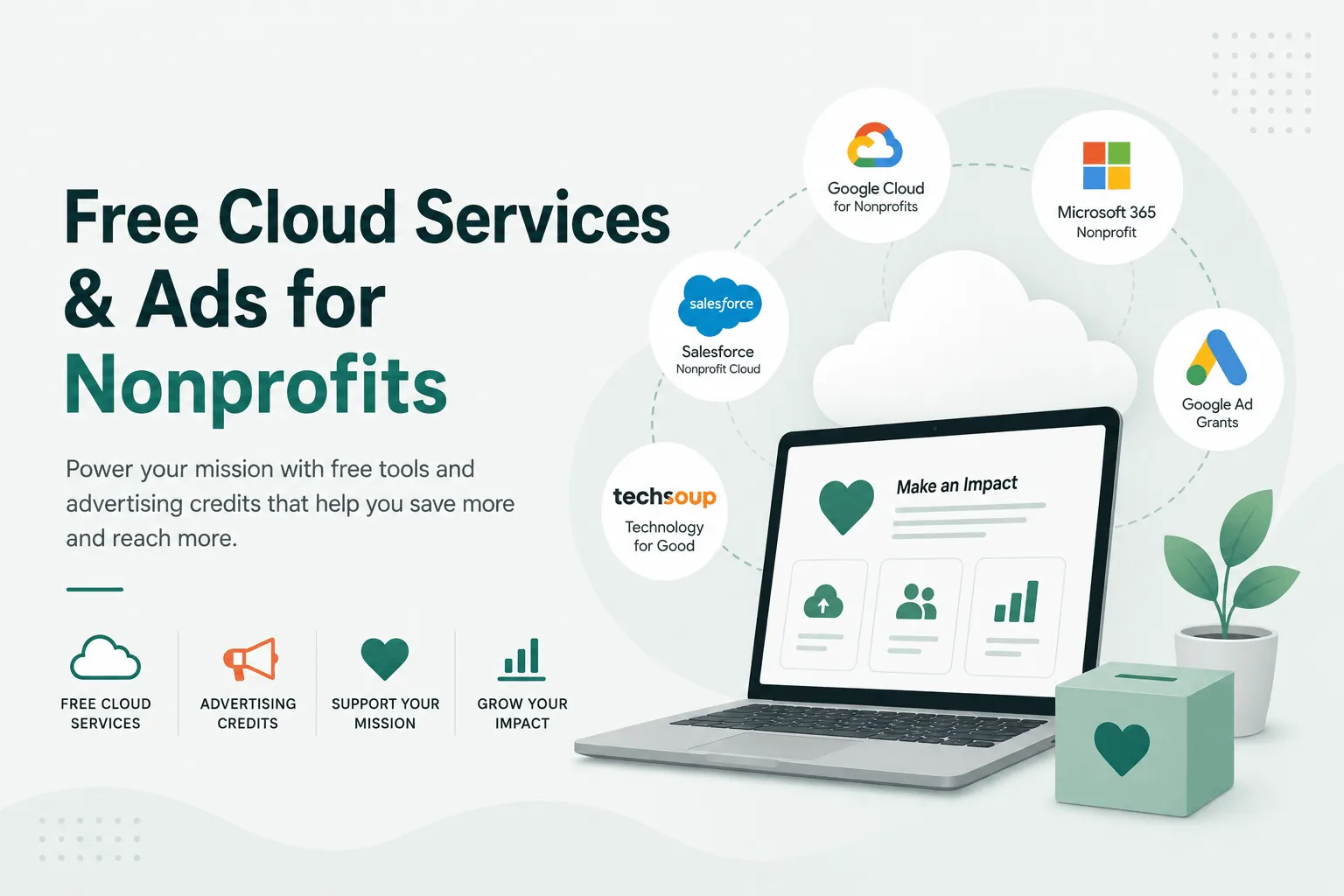
If your organization has 501(c)(3) status — or the equivalent outside the US — most of the major cloud vendors will give you their business products free or at a steep discount. Storage, email on your own domain, video calls, a CRM, and in Google’s case up to $10,000 a month in search advertising.
These are donation programs, not competitions. There is no fixed number of awards and no merit review. If you qualify legally and complete the paperwork, you will almost certainly be approved.
What’s actually on offer
| Program | What you get | Who qualifies |
|---|---|---|
| Google for Nonprofits | Google Workspace on your domain — Gmail, Drive, Docs, Meet, shared drives | 501(c)(3) or local equivalent, validated through TechSoup |
| Google Ad Grants | Up to $10,000/month in Google Search advertising | Same, plus an approved website and ongoing account compliance |
| Microsoft for Nonprofits | Microsoft 365 — Outlook/Exchange on your domain, OneDrive, SharePoint, Teams | 501(c)(3) or equivalent, validated by Microsoft |
| Microsoft Ads for Social Impact | Advertising credit on Bing | Registered nonprofit |
| Salesforce Nonprofit | CRM built for fundraising and constituent management, first 10 users free | Registered nonprofit |
| Slack for Nonprofits | 85% discount on paid plans | Registered nonprofit |
| Box.org | Donated and discounted Box accounts — file storage, sharing and APIs | Apply through Box.org |
| Dropbox via TechSoup | 40% off Dropbox Business — Standard runs $108/year for 5,000 GB shared, plus a $45 admin fee | 501(c)(3) with no existing paid Dropbox Business subscription |
| TechSoup | Clearinghouse for dozens of other donated products | Validates your status once, for many vendors |
Verify the current terms before you plan around them. Seat counts, storage allowances and eligibility rules change — Microsoft materially restructured its nonprofit offer during 2025, and Google has adjusted Workspace storage more than once. Treat the vendor pages linked above as the source of truth and this page as a map of what to go looking for.
Cloud storage: the question most people are actually asking
Storage is usually the first thing a nonprofit runs out of, and it is where the two main offers differ most.
Both Google Workspace and Microsoft 365 give you pooled storage — a single allowance shared across the organization rather than a fixed amount per person. That distinction matters more than the headline number. A 20-person charity where two people hold all the video files will hit a pooled cap that a per-user cap would have absorbed.
Things worth knowing before you commit:
- Shared drives beat personal drives. Files in someone’s personal Drive or OneDrive leave with them. Files in a shared drive or SharePoint site belong to the organization. For a sector with volunteer turnover, this is the single most important configuration decision, and it is much easier to get right on day one than to fix later.
- The free tier is a starting point, not a ceiling. Both vendors sell discounted upgrades on top of the donated tier. If you need more storage, buying more of the same platform is nearly always cheaper and less disruptive than bolting on a second one.
- Backups are not included. Neither Google nor Microsoft backs your data up in the sense most people mean. They protect against their failures, not against a volunteer deleting a folder or an account being compromised. Retention windows are short. Budget for a third-party backup if the data matters.
- Photo and video libraries break these plans fastest. If you run events, assume media will dominate your storage within two years and plan where it lives before it becomes an emergency.
Email, and why it is the risky part
The donated tiers include full business email on your own domain — Exchange/Outlook on the Microsoft side, Gmail on the Google side. Both are real business email, not a stripped-down version.
Pick one. Running both is a recurring mistake: two directories, two places to look for a file, and mail routing that only one person understands. Choose on the basis of what your people already know rather than a feature comparison — for most volunteer-run organizations, familiarity beats capability.
Migration is where these projects actually go wrong. The failure modes are consistent:
- Cutting DNS over before mailboxes have finished syncing, so mail lands in the old system for days and nobody notices.
- Forgetting shared and role mailboxes —
info@,donations@,board@— which are usually the addresses that matter most. - Missing SPF, DKIM and DMARC on the new platform, so the first newsletter after the move goes to spam and someone concludes the migration broke fundraising.
- Losing calendar delegation and mailing-list membership, which nobody tests until a board meeting fails to appear.
None of these are hard. They are just easy to skip when a volunteer is doing the move between other commitments.
Google Ad Grants: free, and easier to lose than to get
$10,000 a month is the headline, and it is real. It is also the program with the most conditions attached, and accounts get suspended for failing them.
The rules that catch people:
- A minimum click-through rate must be maintained, so a sprawling account full of irrelevant keywords gets shut down rather than merely underperforming.
- Single-word keywords and overly generic terms are not allowed.
- The account needs active management — conversion tracking configured, dead keywords pruned, ads that match landing pages.
- The website itself has to meet the program’s quality bar, which is where the grant intersects with the rest of your digital estate.
An unmanaged Ad Grant tends to spend a fraction of its allowance and then lapse. A managed one is one of the best deals in the sector.
Moving to the cloud without breaking things
A realistic order of operations:
- Get validated first. TechSoup verification takes time and gates several of the programs. Start it before you plan anything else.
- Inventory what you have. Where does mail live now, who has admin access, what is stored where, which systems send email as your domain. This step is boring and it is the one that prevents the surprises.
- Decide the structure before you migrate. Shared drives, naming, who owns what. Migrating first and organizing later means migrating twice.
- Move email in one planned cutover. Sync, verify, then switch DNS — not the other way round.
- Fix email authentication. SPF, DKIM and DMARC on the new platform, verified with a real send to an outside address.
- Set up backup and offboarding. A documented process for when a volunteer leaves, so their files and their mailbox do not leave with them.
AI tools are now part of this
Both major AI vendors added nonprofit pricing, and the discounts are steep enough to matter on a small budget.
- Claude for Nonprofits — Team at $8/user/month, Enterprise at $10/user/month, minimum two seats for organizations under 150 people. Open to 501(c)(3)s, K–12 schools and qualifying healthcare organizations; not open to government agencies, political campaigns or higher education. Verification runs through Goodstack and takes a few minutes.
- OpenAI for Nonprofits — up to 75% off ChatGPT Business or Enterprise, which works out around $8/user/month billed annually. US organizations verify through TechSoup or Goodstack. Academic, medical, religious and government institutions are excluded, and the discount covers ChatGPT rather than API usage.
The obvious uses are the unglamorous ones: drafting grant applications, summarizing board papers, turning a messy spreadsheet of donations into something readable, writing the first pass of an appeal letter.
One caution that matters more here than in most sectors. Donor records are sensitive, and the rules that apply to them do not stop applying because the data was pasted into a chat window. Before anyone uploads a donor export, know which plan you are on and what it does with your data — business and enterprise tiers generally do not train on your content, consumer tiers may. If in doubt, strip names and contact details first. A volunteer pasting your donor list into a personal account is a real incident, not a hypothetical.
Where this connects to your website
Choosing where the money actually lands is a separate decision — see choosing a donation platform for your nonprofit.
These programs overlap with the website more than people expect. The Ad Grant needs a site that meets Google’s quality bar and can convert the traffic it sends. Donation flows need to be reliable and fast. Event and chapter content has to be manageable by people who are not technical.
Ecropolis has built and operated platforms for nonprofits, associations and national chapter networks for years — including SCORE, where 230+ local chapters run on one system. If you want help choosing between the programs, migrating without losing mail, or getting the website side ready, see what we do for nonprofits and education or tell us about your organization.